Platrly (platter-lee)
Checklists your team actually follows.
Clock in on a shared iPad, run every shift from one screen, and see exactly who did what, with photo proof.
Log in to dashboard →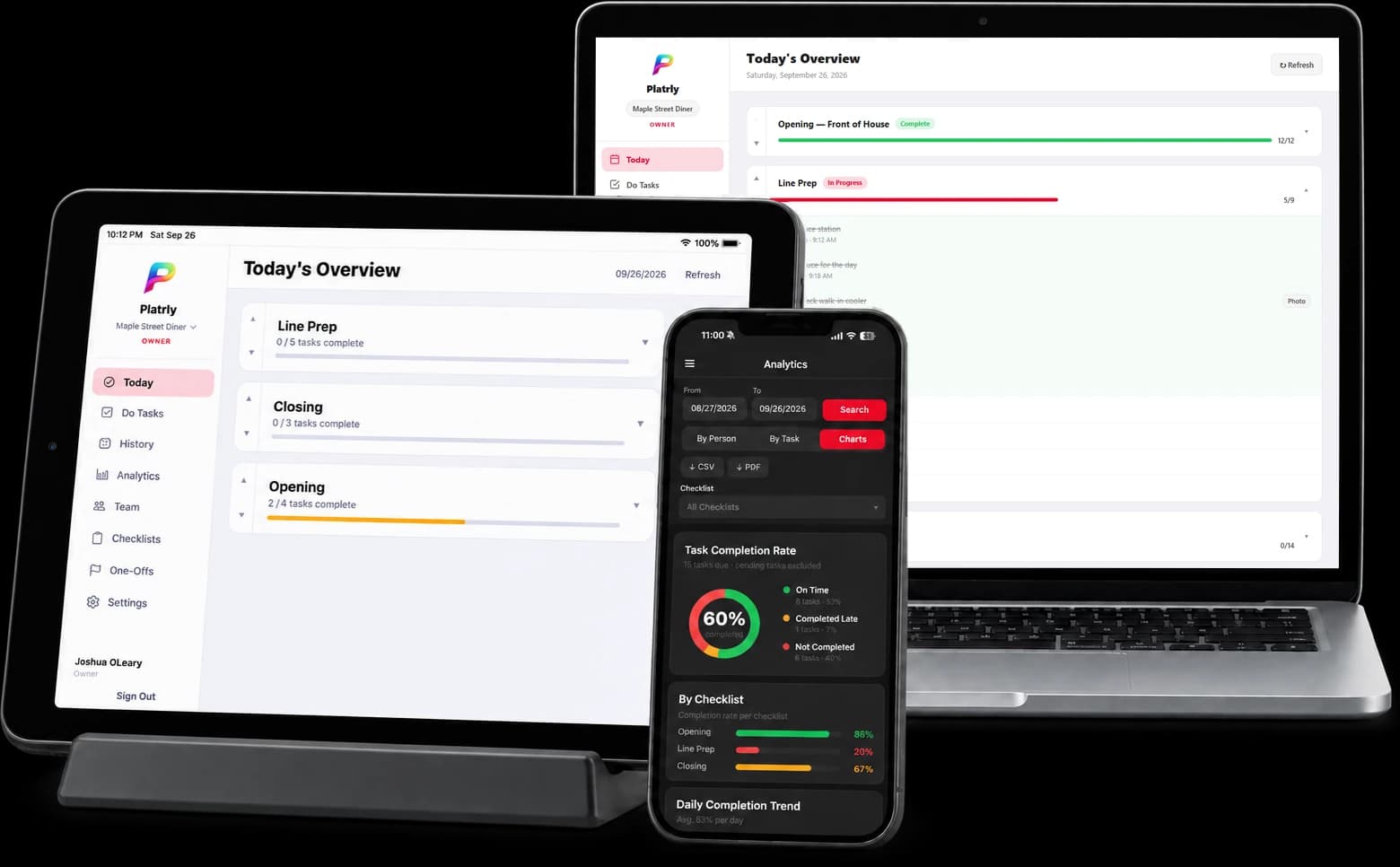
For your team
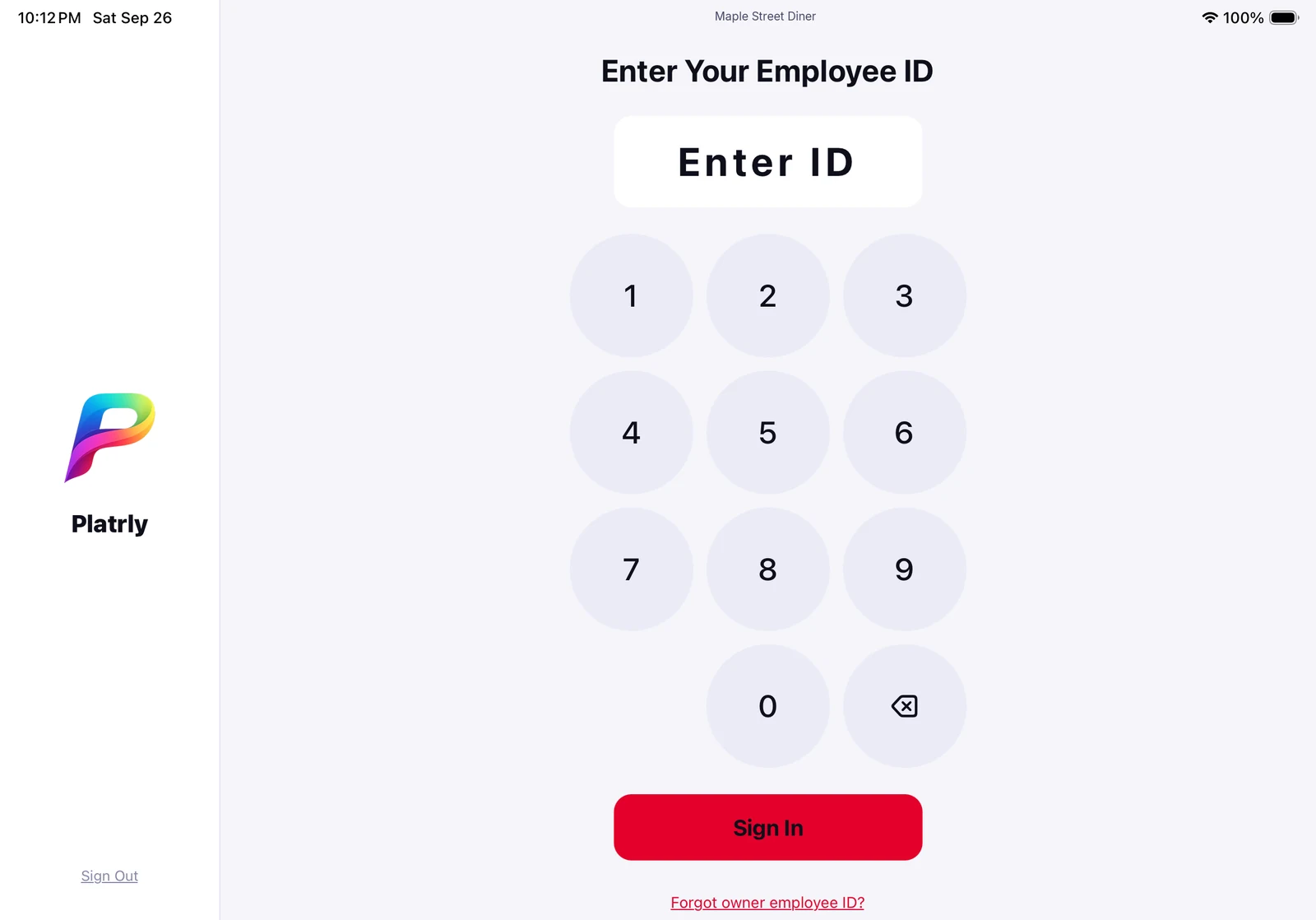
Clock in with a tap.
A shared iPad at the front or back of house lets your team clock in with their employee ID and go straight to their shift checklist. No passwords, no personal phones.
- One shared kiosk per location
- Import your team from a CFA PIN Report
Keep operations on track
Every task, done on time.
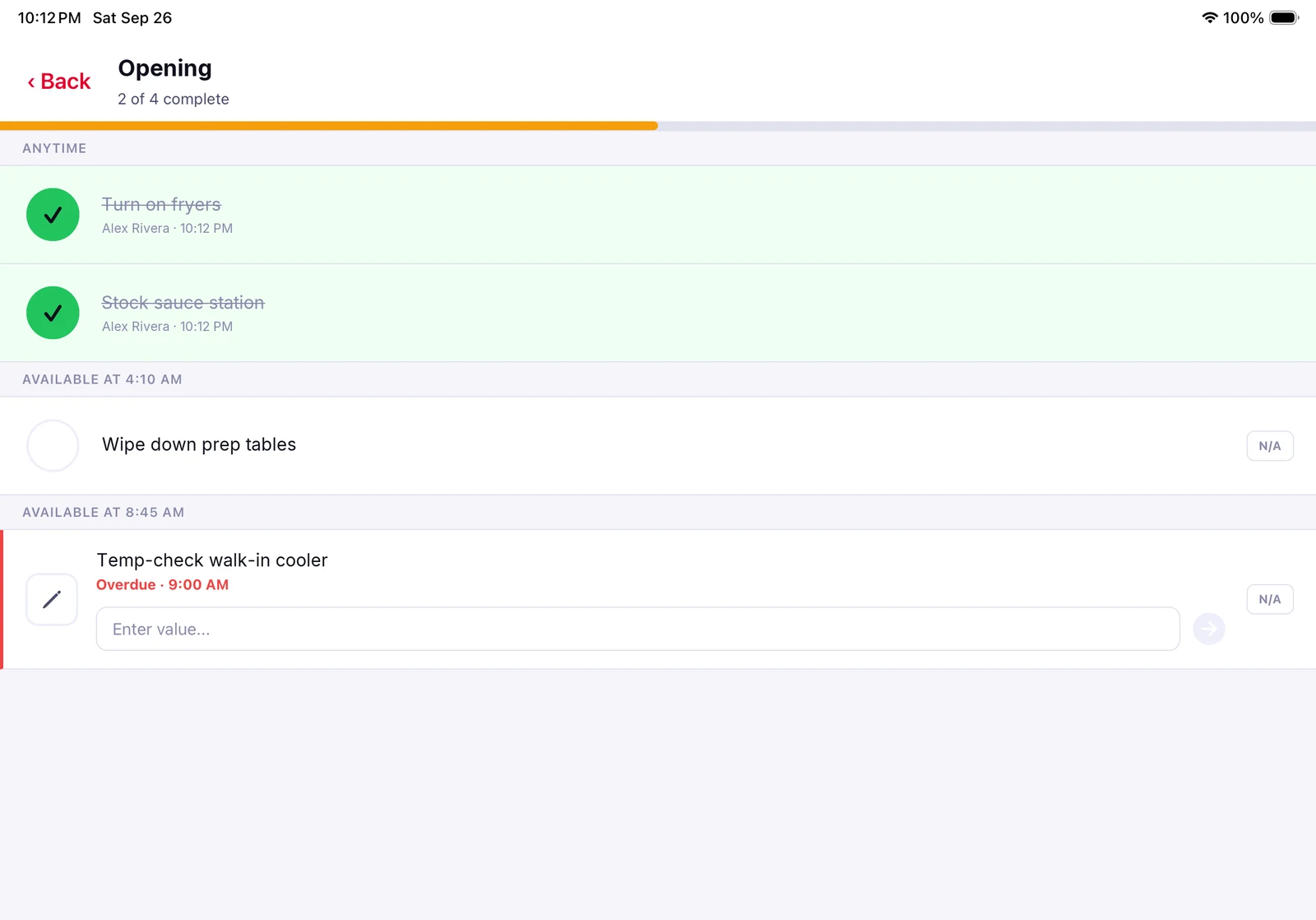
Guide your team through opening, prep and closing checklists with time windows, so each list shows up when it is due and overdue tasks stand out before they get missed.
- Live progress for every checklist
- Photo and note proof on any task
Build a stronger team
Know who did what.
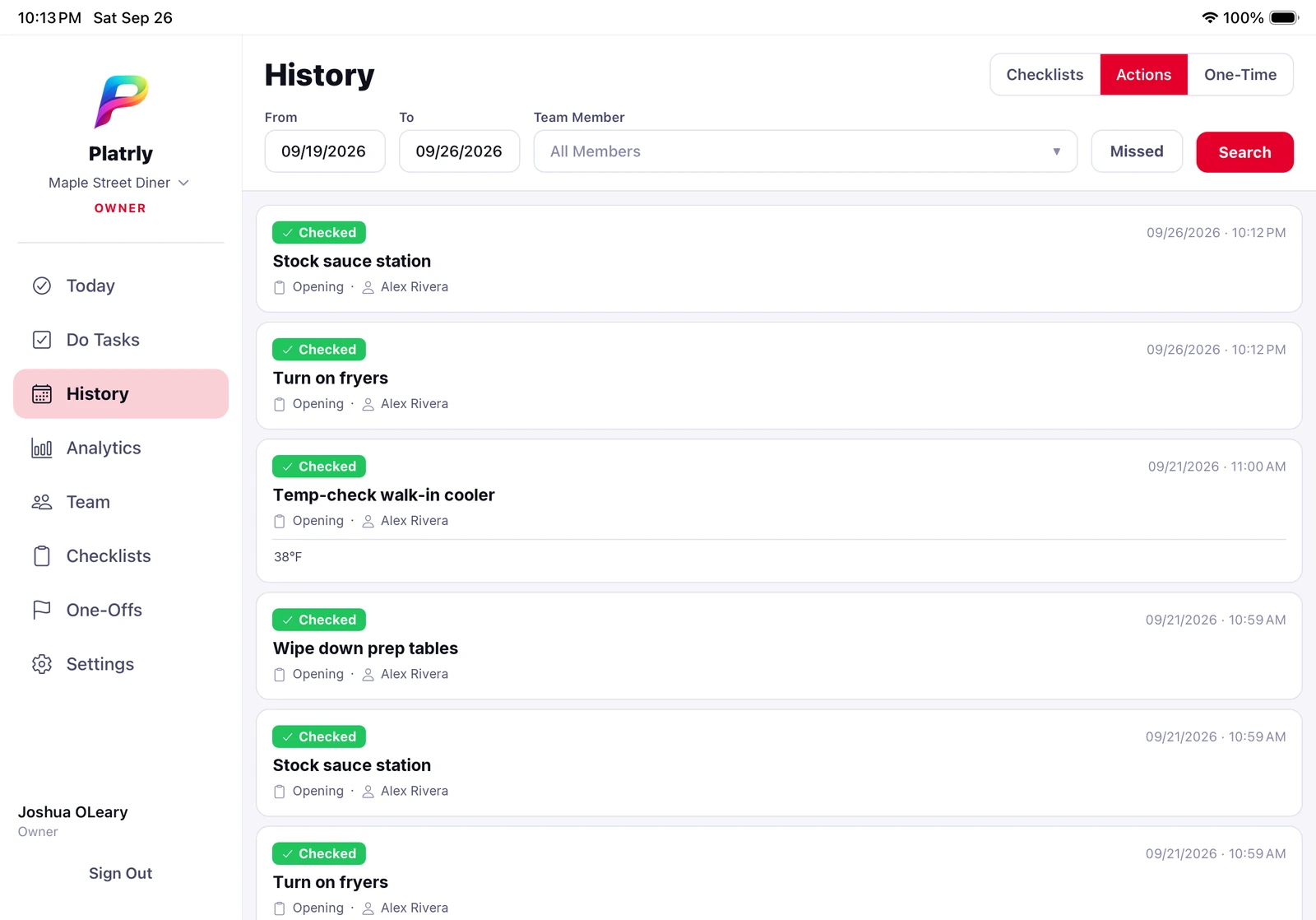
Every completed task is stamped with the team member's name and the time, with the photo proof attached. Keep your standards consistent across every shift.
- Clear task attribution
- Photo proof on the task
Full visibility
Simple, powerful oversight.
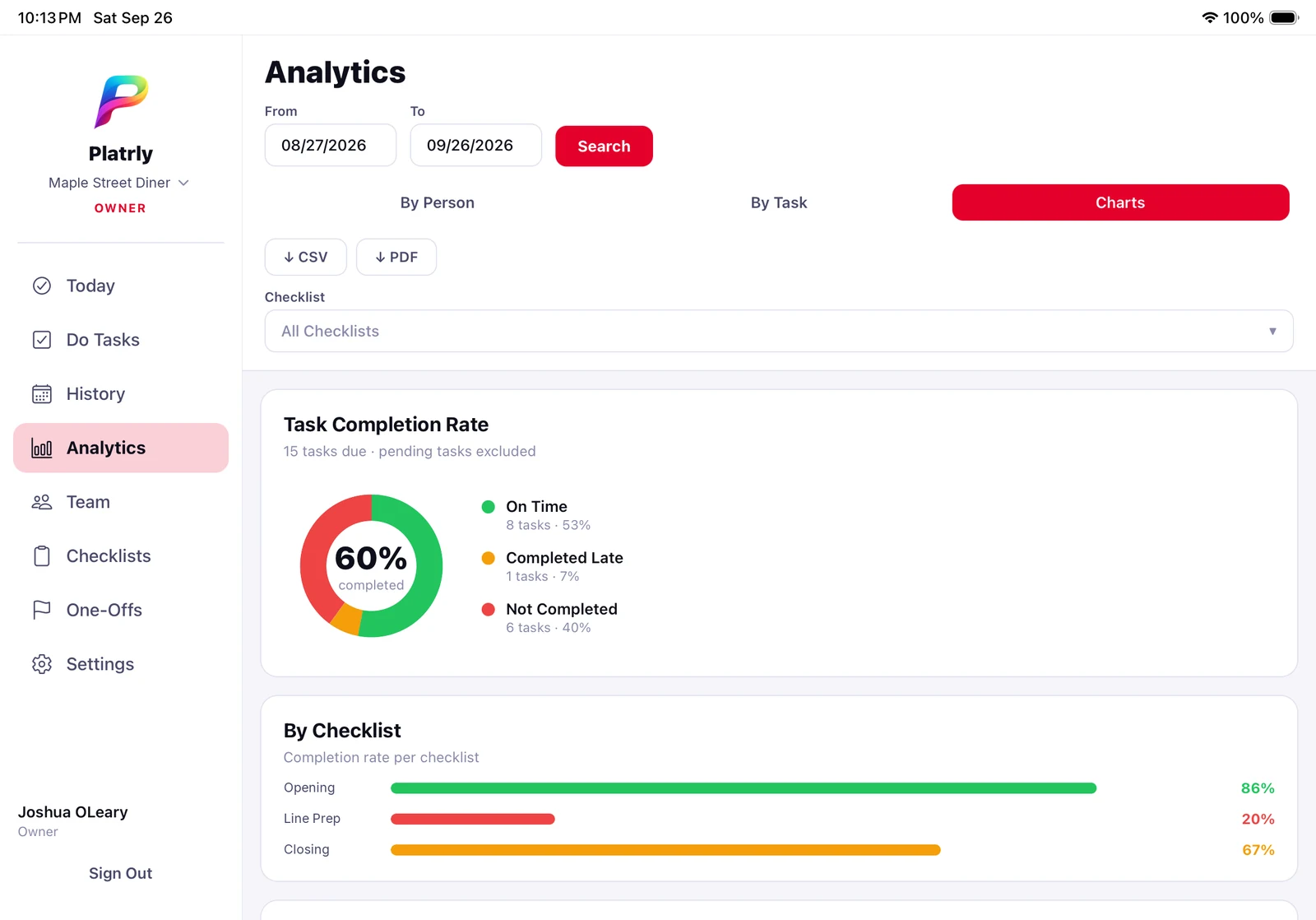
Completion rates, shift history and photo proof across all your locations. Filter by location, team member and date, on the web dashboard or in the app.
- Web dashboard in any browser
- One owner account for every location
How it works
- 1
Team member clocks in
Your team taps their employee ID on a shared iPad to start their shift.
- 2
Completes the shift checklist
They run through opening, prep or closing tasks, with built-in timers and photo proof.
- 3
Owners review completion and history
See who did what, when, and view photo proof across all locations.